It does not need to be the same system, but invoice data, payment collection, accounts receivable, and reports should be linkable. If separate systems are used, check whether they support API or data export in a format that reduces double entry and allows retrospective auditing.
Office Building Management Software: What Features Do You Really Need
6 November 2026
Written by:SILVERMAN
Managing a rental building involves more than issuing rent invoices. Building managers must also handle tenant data and leases, water and electricity charges, maintenance requests, visitor access, parking entitlements, common areas, and the reports that building owners use to make decisions. When all of this information is scattered across spreadsheets, chat messages, and multiple programs, the team struggles to audit anything retrospectively and ends up duplicating work.
Rental building management software should serve as the central hub for all operational tasks and tenant-related data. This article focuses specifically on software for administrative, financial, and tenant service work. It does not cover engineering control systems for building infrastructure.
The article explains what building management software is, how it relates to facility management software, which features are essential for tenant management, finance, maintenance, security, and parking, and what metrics and questions to use when evaluating a system before purchase. The goal is to help building owners and managers choose software that fits their actual work, without buying functionality they do not need and without missing something critical over the long term.
What Is Rental Building Management Software

Rental building management software is software for handling the business operations and service functions of a building, including tenant data, billing, payment collection, maintenance requests, communication, and operational reporting. This type of building management system brings data from multiple teams into one place and makes it auditable.
The scope of each product differs. Some systems focus on accounting and invoicing, others on lease agreements and space management, while others also include maintenance, visitor management, and a tenant-facing application. Buyers should not evaluate a system solely on whether it is described as all-in-one. They should check item by item which tasks the system actually performs, what add-ons must be purchased separately, and whether it can connect to existing systems.
How Building Management Software Relates to Facility Management Software
The phrase building management system is used to describe several different types of software, which makes search results and vendor proposals appear similar when the underlying functions differ significantly.
Building Management Software or Property Management Software
Focuses on tenant administration and business operations, including tenant registers, invoicing, payment collection, maintenance requests, announcements, visitor management, and reporting for building owners.
Facility Management Software
Is a broader term for software that supports the management of a physical location. It may cover maintenance, assets, space planning, contractors, security, and resource usage. IFMA defines Facility Management as an organisational function that integrates people, place, and process within the built environment to improve the quality of life of people and the productivity of the core business.
Building management software and facility management software can overlap in scope, but product names alone should not be used to draw conclusions. Check the feature list, the processes supported, and the systems that need to connect before making a decision.
Key Features of Rental Building Management Software
1. Tenant Data and Lease Management
Tenant records should link to the leased space, contact persons, lease agreements, building access rights, parking entitlements, and billing history, so that staff can see all relevant information from a single point.
Data the system should support includes:
- Tenant name or company name and contact person
- Unit, floor, or leased area
- Lease start and end dates
- Rental rate, service charges, and security deposit
- Rent escalation or renewal conditions
- Attached documents and edit history
- Reminder dates before lease expiry
If the system does not have a dedicated lease module, it should at minimum hold a tenant register and link data to the accounting and access rights systems. It must be clearly defined which data lives in the primary system and which must be stored elsewhere.
2. Billing and Payment Collection
Rental buildings typically have multiple charge types, including rent, service charges, water, electricity, parking, and space usage fees. The system should allow billing cycles, calculation formulas, taxes, and per-tenant conditions to be configured without manually recreating documents every month.
Capabilities to verify include:
- Issuing recurring and one-off invoices
- Separating line items for rent, utilities, and service charges
- Accepting full payment, partial payment, or payment across multiple invoices
- Matching received payments to invoices
- Issuing receipts, credit notes, and related tax documents
- Displaying debtor ageing and outstanding balances per tenant
- Setting approval rights and retaining edit history
Do not assume every system supports every payment channel or records accounting entries automatically. Run through the actual steps from issuing a bill, receiving payment, reconciling, and generating a report before making a decision.
3. Maintenance and Building Repair Management
A maintenance system should convert tenant requests into trackable jobs, not just route messages to staff. Tenants should be able to specify the location, problem type, details, and photographs. The building team should be able to assign responsibility, set urgency levels, deadlines, and job status.
Data to record includes the date and time the request was received, the person who reported it, the equipment location, the person responsible, actions taken, parts or costs involved, the date the job was closed, and tenant feedback. This history helps identify recurring problems and supports maintenance budget planning.
If the building has significant machinery and a preventive maintenance programme, a dedicated CMMS or maintenance management system may also be needed. Building management software should be able to connect or exchange data with that system.
4. Tenant Communication and Services
Tenants should have a central channel for receiving invoices, announcements, logging maintenance requests, contacting the building team, and tracking the status of submitted requests. A central channel reduces information lost in private chat messages and allows new team members to review historical records.
The system should be able to segment announcement recipients, for example by the entire building, floor, company, or only affected parties, and should separate general announcements from emergencies so that critical messages do not get buried.
5. Visitor Management and Access Control
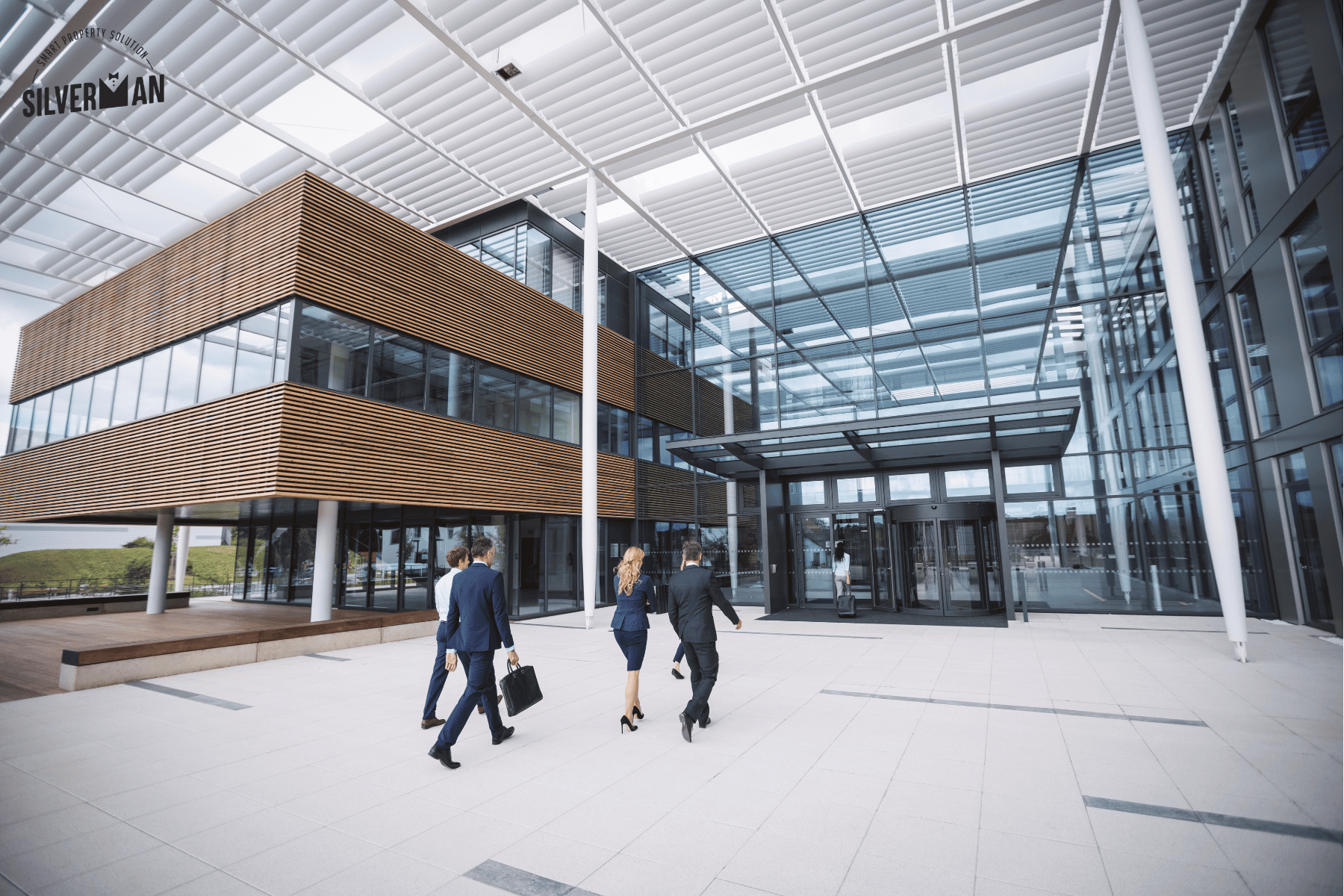
An office building should know who is entering, which tenant they are visiting, and which areas they are permitted to access. A visitor management system may support advance registration, QR code entry, host notifications, entry and exit time logging, and watchlists.
If connected to an access control system, permission levels, duration of access, revocation procedures, and personal data handling must all be configured appropriately. Technologies such as LPR and AI Facial Recognition are optional additions that should be chosen based on building risk profile, area type, and data policy, not treated as essentials for every project.
6. Meeting Room and Common Area Booking
For buildings with meeting rooms, event spaces, or shared facilities, the system should display available time slots, prevent double booking, set permissions and quotas, and record service fees or deposits where applicable.
Before selecting, check whether the system supports approvals, cancellations, waitlists, closing an area for maintenance, and integration with calendar applications or the billing system.
7. Parking Management
The system should link parking rights to tenants, individuals, and vehicle registration numbers, specifying the number of entitlements, expiry dates, and access conditions. For visitors, temporary access rights should be kept separate from permanent entitlements.
Connecting to an LPR camera for licence plate verification and automating barrier operation based on assigned rights is possible, but performance still depends on installation quality, lighting conditions, vehicle speed, licence plate condition, and the fallback procedure when the system cannot read a plate.
8. User Permissions, Security, and Edit History
Tenant data, financial records, access logs, and maintenance work should not be visible to all users equally. The system should assign permissions by role, covering accounting staff, building managers, technicians, security personnel, executives, and tenants.
Check whether an audit trail exists showing who created, edited, approved, or deleted information and when. Also verify backup policies, data export options, and the process for revoking access when staff or tenants leave.
9. Dashboard and Reporting
Good reports support decision-making rather than simply aggregating numbers. Building managers need to see tasks requiring follow-up each day, while building owners need to see trends in revenue, costs, and space utilisation.
Metrics to consider include:
- Space occupancy rate
- Invoiced revenue versus revenue actually received
- Outstanding balances and debtor ageing
- Leases expiring within 30, 60, or 90 days
- Number of new, pending, and overdue maintenance requests
- Response time and job closure time
- Maintenance costs broken down by building, area, or equipment type
- Usage of meeting rooms, common areas, and parking
Formulas and data sources for each metric should be defined consistently across the organisation. For example, occupancy rate might be calculated from signed lease area or from physically occupied area. If the definitions differ, reports from different departments cannot be compared.
How to Choose Building Management Software for Your Project
Start with Processes, Not Feature Lists
Map out the key workflows first, such as onboarding a new tenant, issuing invoices, collecting payment, handling a maintenance request, renewing a lease, and revoking access. Then ask the vendor to demonstrate using simulated data from your building rather than showing only screens or feature lists.
Separate Must-Have from Nice-to-Have
Tenant management, finance, maintenance requests, user permissions, and reporting are typically the core. LPR, AI Facial Recognition, and IoT should be evaluated based on building type, risk profile, budget, and existing systems.
Check Integration and Data Ownership
Ask clearly how the system connects to accounting, banking, access control, or existing platforms, whether it supports API or file export, and what format data can be extracted in if the service is cancelled.
Evaluate Total Cost of Ownership
Beyond the monthly fee or licence cost, include installation, data migration, customisation, system integration, training, support, hardware, and future upgrade costs, so comparisons are made on the same basis.
Test with Real Users
Have accounting staff, building managers, technicians, security personnel, and tenant representatives try the tasks relevant to their own roles. A system with complete features that is difficult to use will cause the team to revert to spreadsheets and chat messages.
Checklist Before Choosing Building Management Software
- Does the system support our building type and tenant structure?
- Can it invoice and collect payment according to our actual conditions?
- Does it store tenant data, lease information, and usage rights at the level we need?
- Can tenants submit maintenance requests and track their status?
- Can the team assign responsibility, set priority levels, and define SLAs?
- Can user permissions be set and edit history audited?
- Does it connect to our existing accounting system, access control, or LPR?
- Does it include the reports and metrics that building owners actually use?
- How is existing data migrated in and how is data exported out?
- What backup procedures, security measures, and support are available?
- What does the total cost over the contract period include?
Summary
The right rental building management software should connect tenant operations, finance, maintenance, communication, security, parking, and reporting so that everything is auditable from a single data set. No system suits every building. Selection should start with real processes, separate essential functions from add-ons, include user testing, and cover user permissions, integration, total cost, and data portability.
Silverman is a Property Management System that supports property and resident management across multiple project types, including office buildings. Capabilities listed on the website cover accounting and financial management, user registers, maintenance requests, visitor management, space booking, and a parking management system. For lease contract functionality or building-specific systems, the scope and integration options should be confirmed with the team before making a decision.
To view Silverman’s accounting and building management system or to schedule a demonstration based on your project’s processes, visit silverman.app or call 08-1442-6888.
Frequently Asked Questions
It depends on the number of tenants, billing complexity, volume of maintenance work, and the number of staff. If data volume is still low, an oversized system may not be cost-effective. When duplicate data, missed tasks, or time spent consolidating reports becomes a problem, a central system can reduce the burden.
Not in every product. Some systems focus on space, assets, and maintenance while accounting sits in an ERP or separate programme. Buyers should check which tasks are handled in which system and how the data connects.
Cloud systems typically reduce the burden of server maintenance and allow access from multiple locations. On-premise may suit organisations with specific infrastructure requirements or data control policies. The decision should weigh security, backup procedures, updates, costs, and IT team capability together.


Download Application


Contact us for more information


Add-On services
- E-meeting (e-AGM)
- Visitor Control Management and Parking lot control
- Security Systems and License Plate Recognition (LPR)
- AI Facial Recognition & Access Control Management System
- Automatic Debt Collection System and Legal Services
- Incorporation services and project assignments
- Accounting As A Service
- Audit As A Service
Connect with us
- Management & Accounting program
- E-meeting (e-AGM) and E-vote
-


Member of


Certified by


Awarded by

Accounting and Finance
Financial Statements of Jurisric PersonBalance sheet of Jurisric PersonIncome - Expense statement of Jurisric Person
Read MoreJuristic Person Management
Juristic Person CommitteeCondominium Juristic Person CommitteeHousing Estate Juristic Person Committee
Read MoreProperty Management Services
Condominium Juristic Person Property Management CompanyHousing Estate Juristic Person Property Management CompanyJuristic Person Work Property Management Company
Read MoreAccounting Software for Juristic
Juristic Person Accounting ProgramCondominium Juristic Person Accounting ProgramHousing Estate Juristic Person Accounting Program
Read MoreManagement Software for Juristic
Read More