Switch to Silverman for a More Complete, Cost-Effective Solution — Get 6 Months Free for New Customers.

Switch to Silverman for a More Complete, Cost-Effective Solution — Get 6 Months Free for New Customers
If you're looking for a more comprehensive property management software solution, Silverman is ready to support your project. We take care of the entire data migration process—from transferring your existing data to ensuring your team is fully up and running with the new system.
Projects that switch to Silverman this year are also eligible for a special promotional offer, including 6 months free for new customers.
5 Signs Your Property Management Software Is No Longer Enough
Some property management systems are not bad from the start—but as your community grows, so do its operational needs. What once worked well can eventually become a bottleneck. Here are five signs that it may be time to consider a new solution.
1. Your Team Has to Move Data Between Multiple Systems Every Month
If your staff regularly exports data from one system, combines it with Excel spreadsheets, and manually prepares reports, tasks that should take only a few clicks can consume an entire day. The more manual copying and pasting involved, the greater the risk of human error.
2. Residents Still Contact Management Through Phone Calls and Personal LINE Accounts
Without a dedicated resident portal or mobile app, maintenance requests, complaints, and payment confirmations are handled through personal communication channels. When staff members change, valuable information often disappears with them, making service continuity difficult.
3. Financial Reports Must Be Prepared Manually
A modern property management accounting system should generate financial statements and income and expense reports automatically.
If your team still has to export data into Excel and manually prepare reports before presenting them to the management committee, the software is creating unnecessary work instead of eliminating it.
4. You Cannot Access Information Outside the Office
Systems that depend on an on-premises server or a specific office computer make remote work difficult—especially when urgent issues arise outside normal business hours.
Cloud-based software enables authorized users to access project information securely from anywhere, at any time.
5. The Support Team Doesn't Understand Property Management
Property management has unique operational and legal requirements that differ from most other businesses.
If every support request begins with explaining how a condominium or housing estate operates before receiving assistance, problem resolution becomes slower than it should be.
What to Consider Before Choosing a New Property Management System
Selecting new software is about much more than comparing feature lists. The real question is whether the system supports the way your property actually operates.
Does the System Cover Every Part of Property Management?
Property management involves accounting, facility management, resident communication, and maintenance operations.
If multiple software applications are still required to perform these tasks, information will continue to be fragmented across different systems.
Is There a Self-Service Platform for Residents?
Communities with hundreds of units need a convenient way for residents to:
- Pay common area fees
- Submit maintenance requests
- Receive announcements and updates
If every interaction still depends on office staff, the administrative workload remains largely unchanged.
How Does Data Migration Work?
Ask potential software providers directly about their migration process.
Find out:
- Who performs the data migration?
- How long does it take?
- Will day-to-day operations be interrupted during the transition?
A well-planned migration should minimize disruption to normal business operations.
Does the Support Team Understand Property Management?
Before making a decision, test the provider's support team.
Ask questions that relate specifically to condominium or housing estate management and evaluate whether they can answer immediately or need additional time to research basic operational issues.
What Is the Actual Total Cost?
The advertised starting price often excludes features that many communities consider essential.
Some systems charge additional fees for items such as:
- Financial reporting
- Resident notifications
- Additional user accounts
- Mobile applications
Always request pricing based on everything your project will actually use.
Steps for Successfully Migrating to a New Property Management System
Once you've selected a new platform, planning the migration carefully will help ensure a smooth transition.
1. Prepare Your Data Before Migration
Gather all essential information, including:
- Homeowner records
- Outstanding balances and payment histories
- Common property asset records
- Historical financial statements
The cleaner and more organized your data is before migration, the faster and more accurate the process will be.
2. Test the New System Before Going Live
Ask the software provider to create a demonstration or sandbox environment using a portion of your actual project data.
This allows your team to verify data accuracy while becoming familiar with the new system before full implementation.
3. Schedule Go-Live During a Low-Activity Period
The beginning of a new month or immediately after year-end financial closing is often the best time to launch a new system.
At that point, financial records are complete, and staff have more time to become comfortable with the software before the next busy accounting cycle begins.
4. Train Your Team Before Full Implementation
For most projects, the biggest challenge is not the data migration itself but helping staff adapt to new workflows.
Your software provider should offer comprehensive training and dedicated support during the first one to two months after the system goes live.
Silverman Was Built to Solve These Challenges
Silverman is a cloud-based property management platform designed specifically for condominiums and housing estates in Thailand. It combines accounting, property management, and a resident mobile application within a single integrated system.
Information entered in one part of the platform is automatically synchronized across the entire system, eliminating duplicate data entry and the need to export information between multiple applications.
The accounting module generates financial statements, payment summaries, and documents required for annual general meetings automatically.
Meanwhile, the resident mobile application allows homeowners to pay common area fees, submit maintenance requests with photos, and monitor repair progress independently.
Because all communication and service requests are managed within one centralized platform, important information is no longer lost in busy LINE group chats, allowing management teams to work more efficiently while providing better service to residents.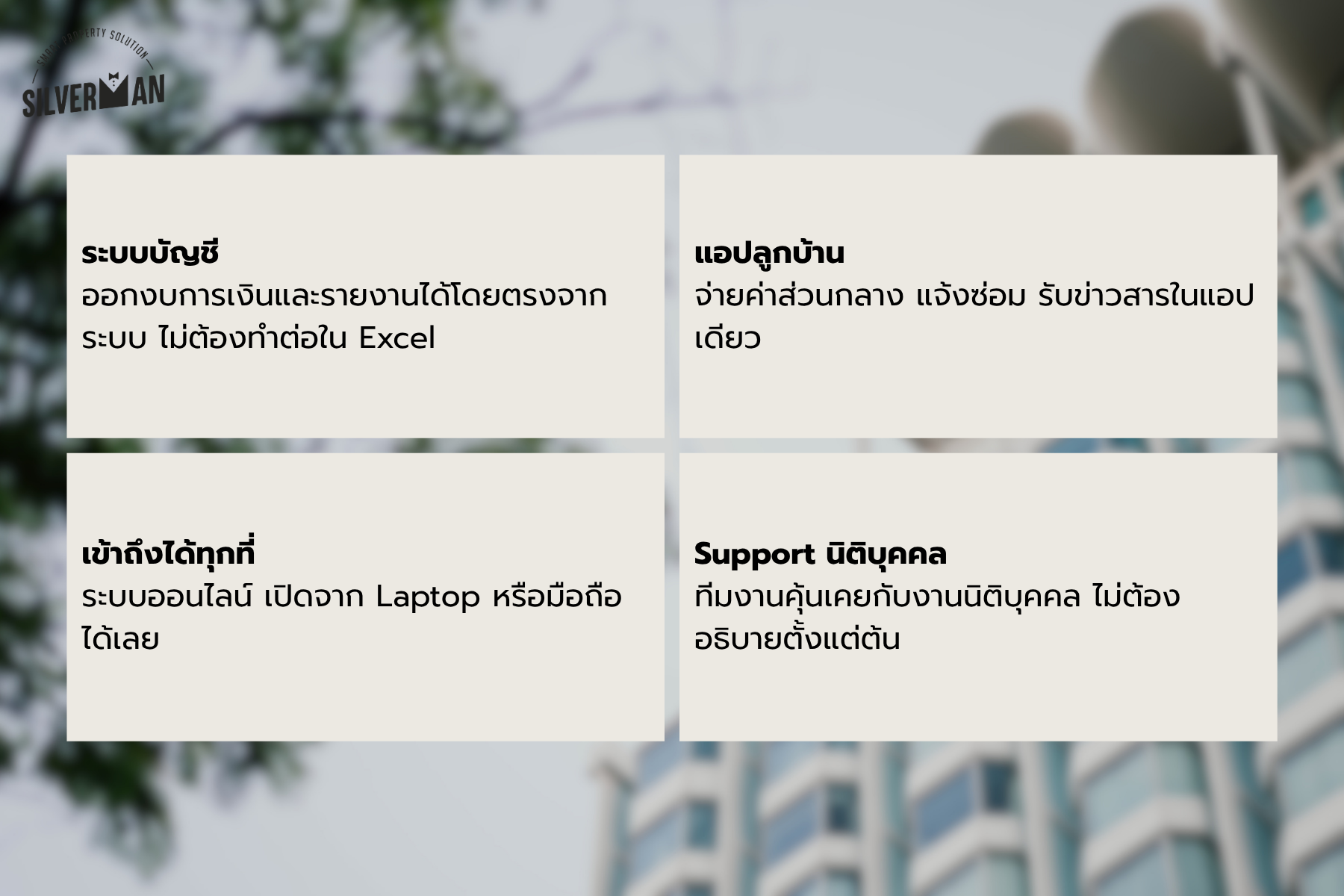
Silverman is a comprehensive cloud-based property management platform designed for condominiums, apartment buildings, housing estates, and office buildings. It brings together accounting, property management, and a resident mobile application in a single integrated system. All data is synchronized in real time, reducing duplicate work and enabling your team to access critical information anytime, from anywhere.
If you're looking for a solution to make your property management operations more organized, efficient, and transparent, Silverman could be the right choice for your project.
To learn more, visit silverman.app or call +66 8-1442-6888.

Download Application


Contact us for more information


Add-On services
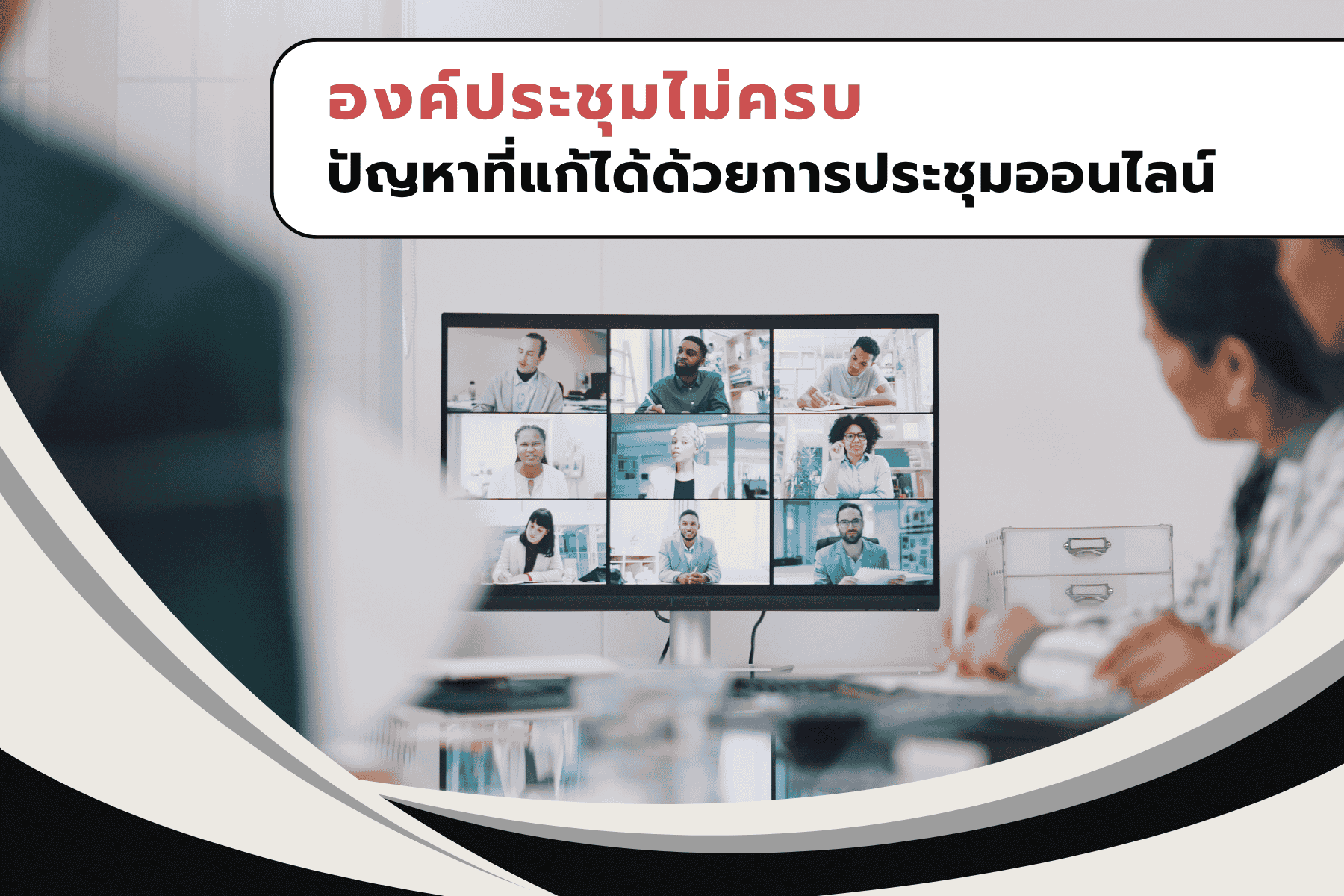
- E-meeting (e-AGM)
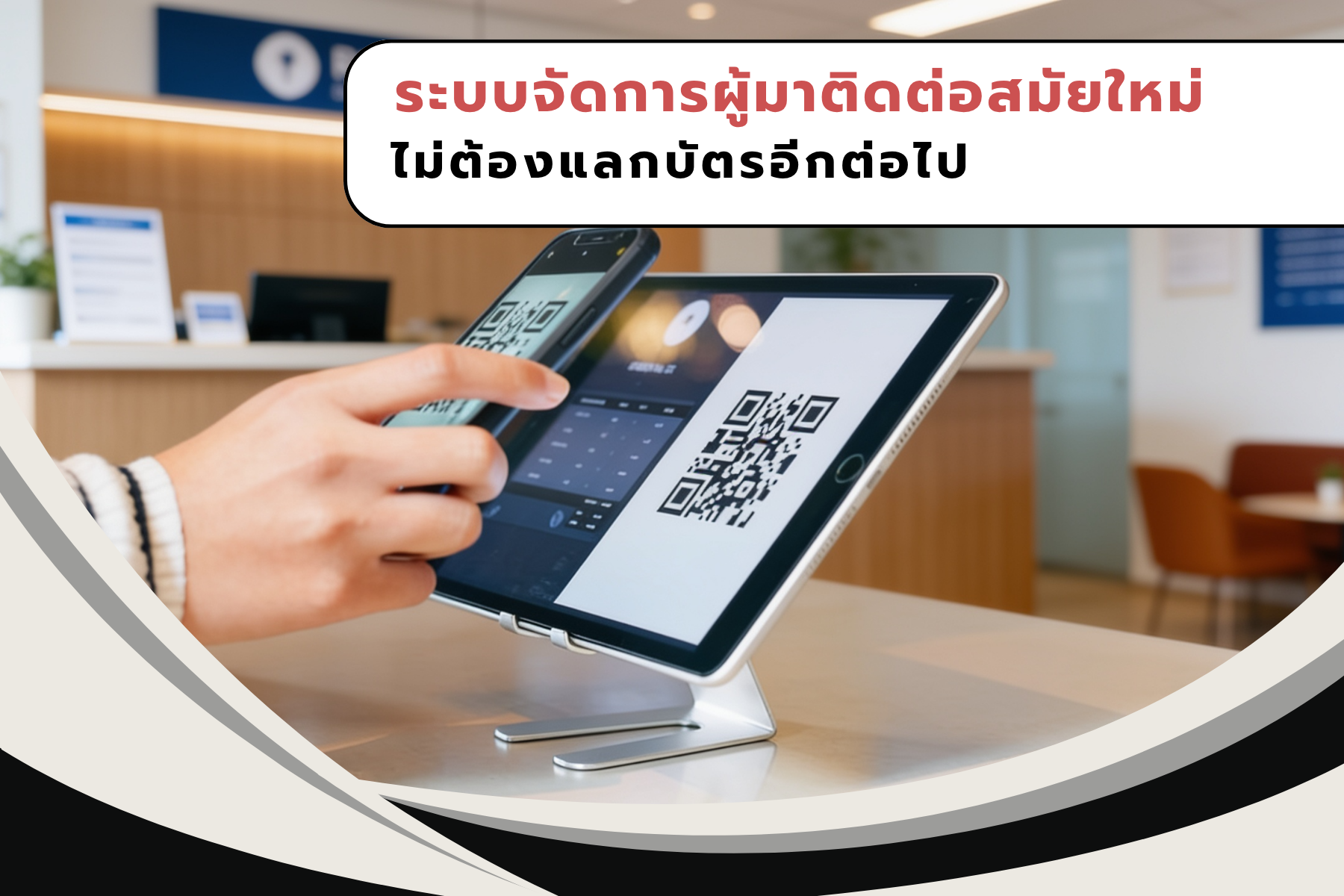
- Visitor Control Management and Parking lot control
- Security Systems and License Plate Recognition (LPR)
- AI Facial Recognition & Access Control Management System
- Automatic Debt Collection System and Legal Services
- Incorporation services and project assignments
- Accounting As A Service
- Audit As A Service
Connect with us
- Management & Accounting program
- E-meeting (e-AGM) and E-vote
-



Member of


Certified by


Awarded by

Accounting and Finance
Juristic Person Management
Property Management Services
Accounting Software for Juristic
Management Software for Juristic
Read More